
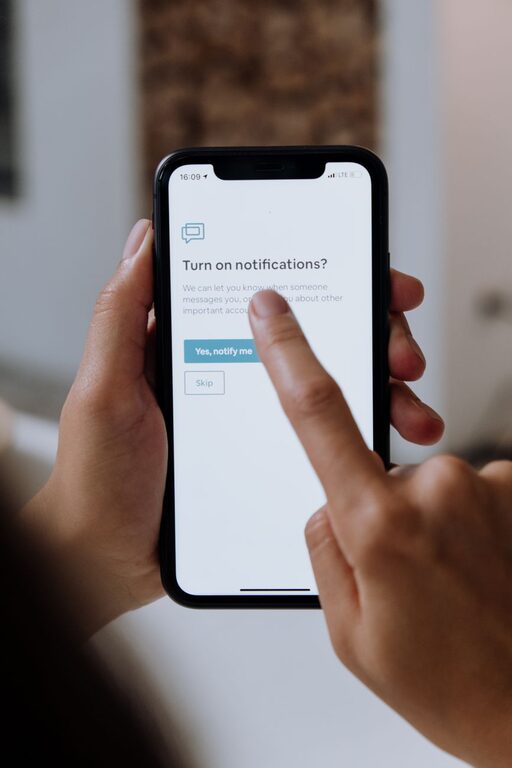
In today’s digital world, notifications from our devices constantly compete for our attention. While they can be helpful reminders and updates, an overwhelming number of alerts may disrupt focus, increase stress, and reduce productivity. Setting boundaries with notifications is an essential skill to maintain balance and regain control over your time and attention.
In this post, we’ll explore practical tips to manage notifications effectively and create a healthier relationship with your digital devices.
Why Setting Boundaries with Notifications Matters
Notifications are designed to grab your attention immediately. However, frequent interruptions can break your concentration, making it harder to complete tasks efficiently. Over time, this can lead to frustration and burnout.
By setting clear boundaries for when and how you receive notifications, you can:
– Improve focus and productivity
– Lower stress and anxiety levels
– Create better work-life balance
– Enhance digital wellbeing
Tips for Managing Your Notifications
1. Audit Your Notifications Regularly
Start by reviewing which apps and services send you notifications. Decide which ones are truly essential and which can be turned off or minimized. Many apps send notifications by default, but not all of them require your immediate attention.
– Go through your phone’s notification settings.
– Identify apps that send frequent or unnecessary alerts.
– Disable non-essential notifications.
2. Customize Notification Settings
Most devices allow detailed control over how notifications appear. You can adjust sound alerts, vibration, banners, or lock screen previews to fit your preferences.
– Set important notifications to alert you with sound or vibration.
– Use silent or minimal alerts for less urgent notifications.
– Limit lock screen previews to protect your privacy.
3. Use Do Not Disturb (DND) Mode Strategically
Do Not Disturb is a powerful tool to pause notifications during focused time or rest.
– Schedule DND during work blocks, meetings, or study sessions.
– Activate DND during sleep hours to avoid nighttime disruptions.
– Customize exceptions for urgent contacts or apps to reach you if necessary.
4. Set Specific ‘Notification Check’ Times
Instead of responding to notifications as they arrive, try designating times to check alerts. This helps reduce the habit of constant phone checking.
– Allocate brief breaks during your day to review notifications.
– Batch-process your messages and alerts rather than responding instantly.
– Use silent or minimal notifications to reduce distraction until your check time.
5. Group Notifications When Possible
Some operating systems and apps offer notification grouping. This feature bundles multiple alerts together, so your notification center is less cluttered.
– Enable grouped notifications to avoid being overwhelmed.
– Review grouped alerts at your convenience instead of individually.
6. Limit Notifications on Non-Essential Devices
Consider disabling notifications on devices you use less frequently. For example, turn off social media alerts on your tablet or computer if you mainly use these to relax or browse casually.
– Keep work-related notifications on your primary device.
– Minimize alerts on secondary devices to maintain focus.
7. Communicate Your Notification Preferences
If you work in a team or collaborate closely with others, it’s helpful to share your notification boundaries.
– Let colleagues know when you are not available for immediate responses.
– Set expectations around response times during quiet periods.
– Use status messages or calendar blocks to signal focused time.
8. Use Apps and Tools Designed to Manage Distractions
There are many apps that help limit interruptions by blocking notifications or restricting app usage temporarily.
– Explore productivity apps that offer “focus mode” or “app blocker” features.
– Experiment with tools that filter notifications based on priority or category.
Additional Tips for a Notification-Friendly Environment
– Create physical spaces without devices. Try keeping your phone away during work or family time to avoid temptation.
– Practice mindfulness. Notice how notifications impact your mood and attention and adjust settings accordingly.
– Prioritize important communication channels. Focus on key apps that matter most to your workflow or relationships.
Final Thoughts
Notifications are valuable when managed thoughtfully, but constant interruptions can harm your ability to focus and enjoy your day. By auditing your notifications, customizing settings, scheduling quiet times, and communicating your boundaries, you can take control of your digital environment.
Start small by adjusting one or two notification settings today. Over time, setting clear boundaries will help you create a more balanced, productive, and less stressful digital experience.
About the Author